
Lahza IPTVMade for Android TV
IPTV player
for Android TV.
Downloaded
3,1113,111
v1.4.6 · 86.2 MB · APK
Lahza IPTV is a player; content and subscriptions are not included.
Your TV, at home.
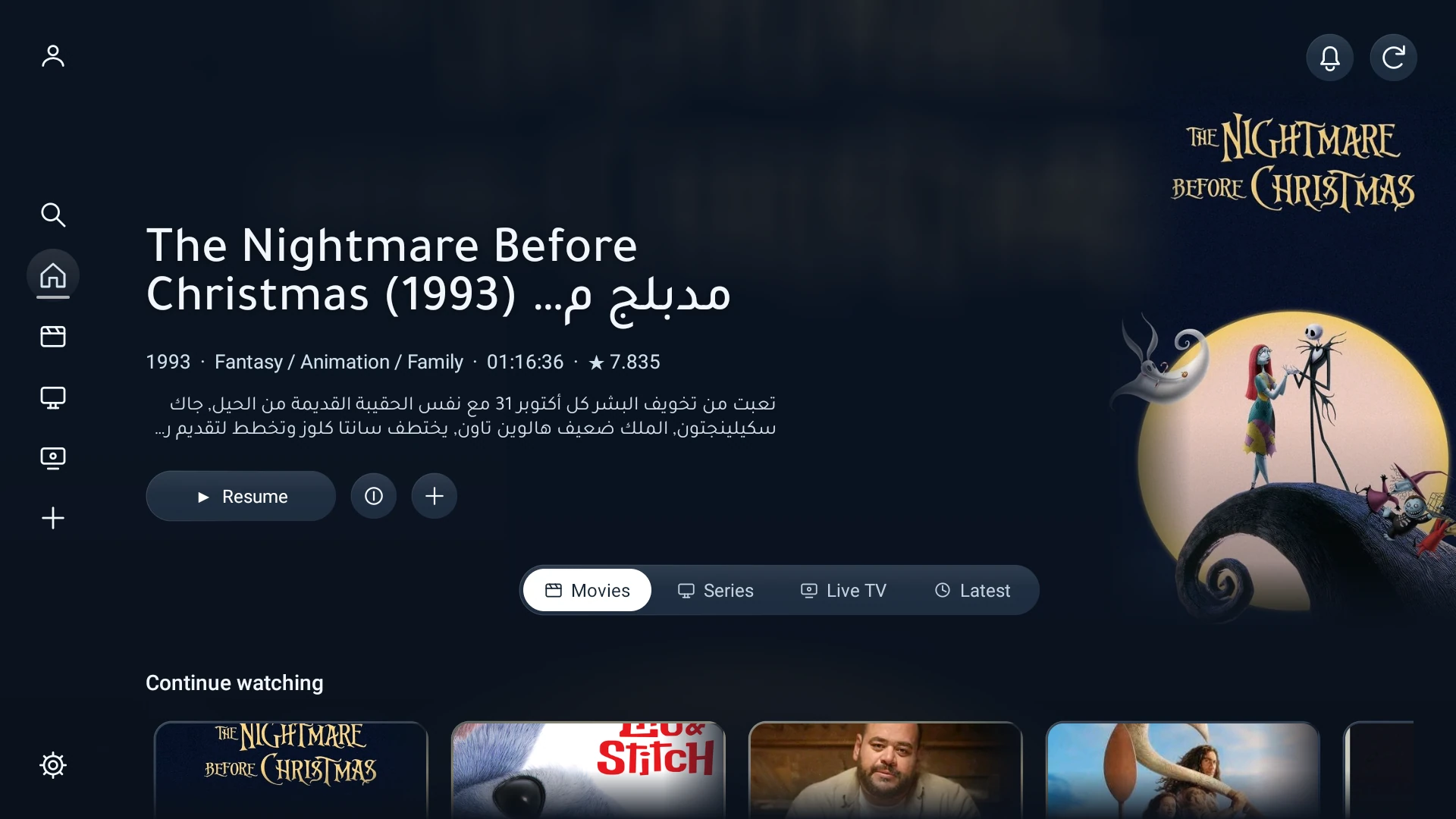
A CLOSER LOOK
Explore Lahza IPTV.
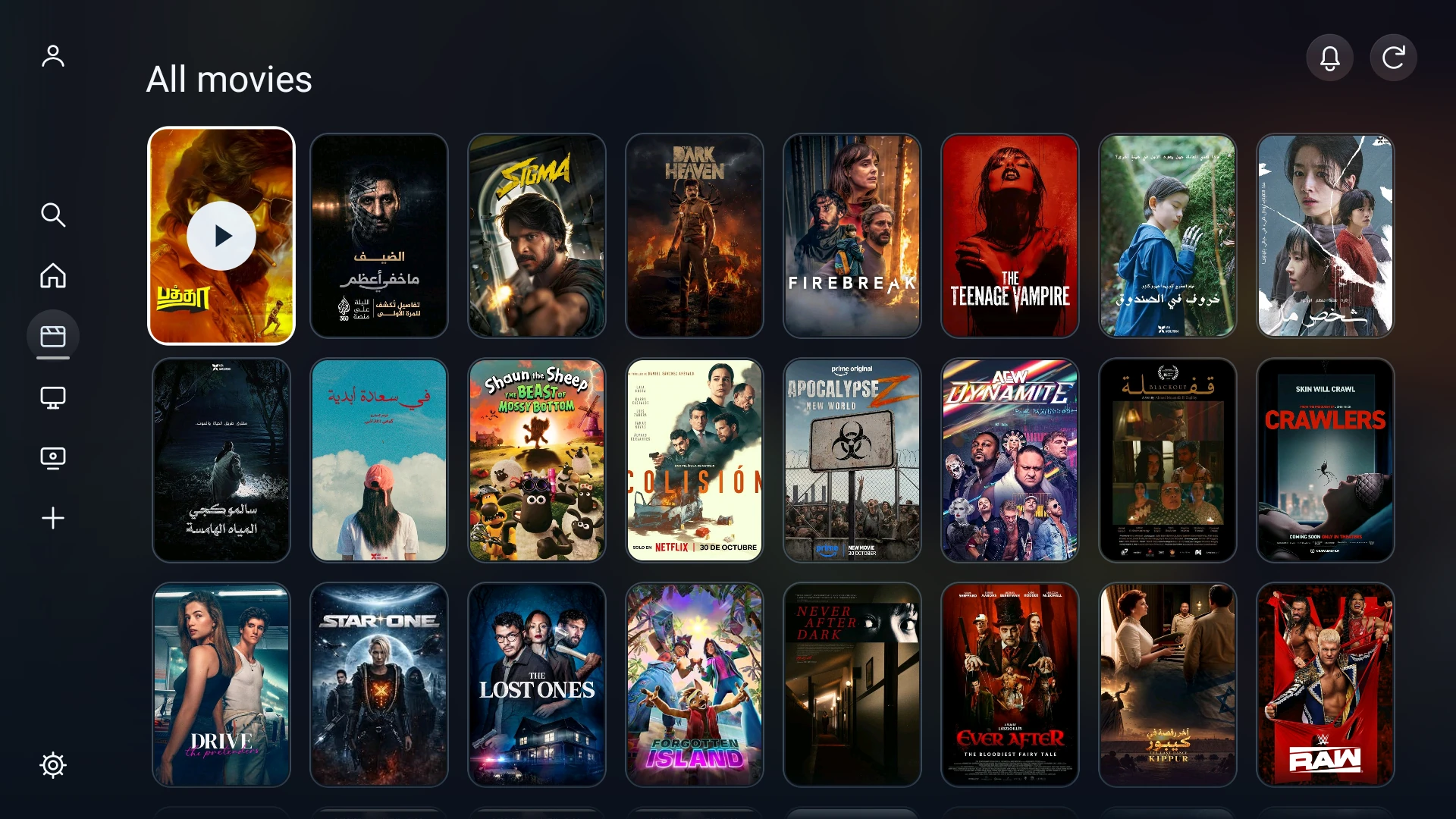
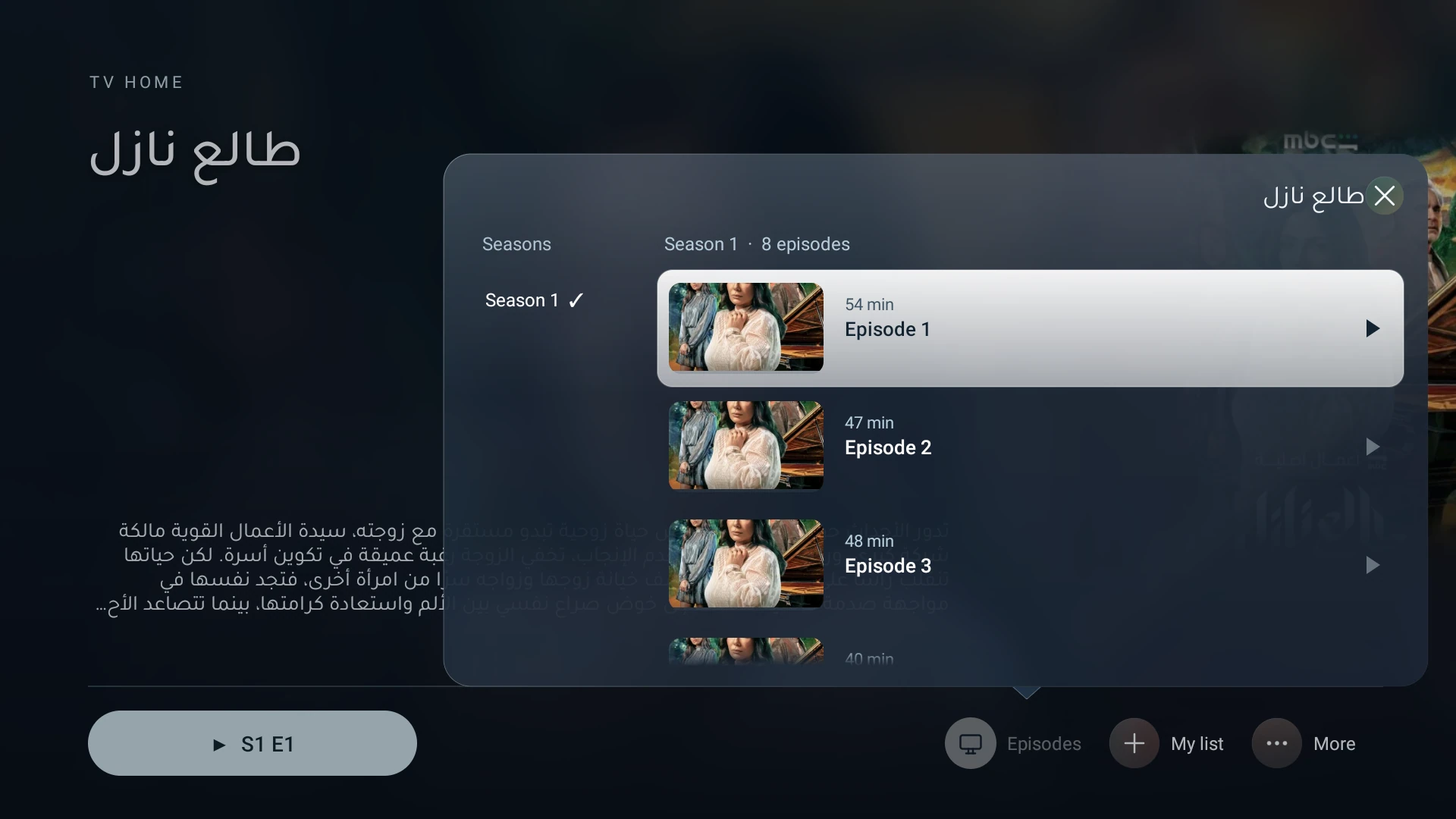
Setup, made simple.
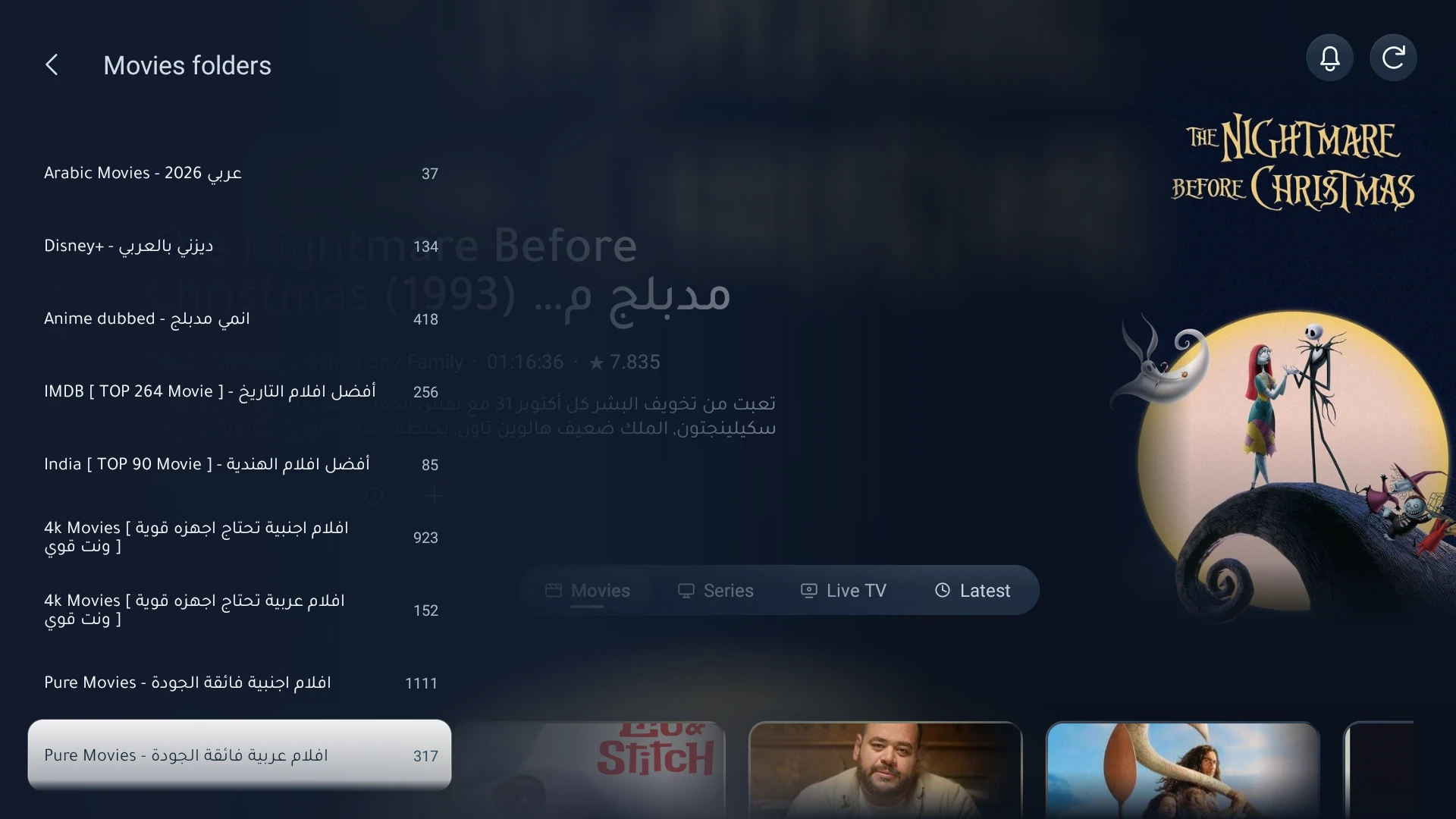
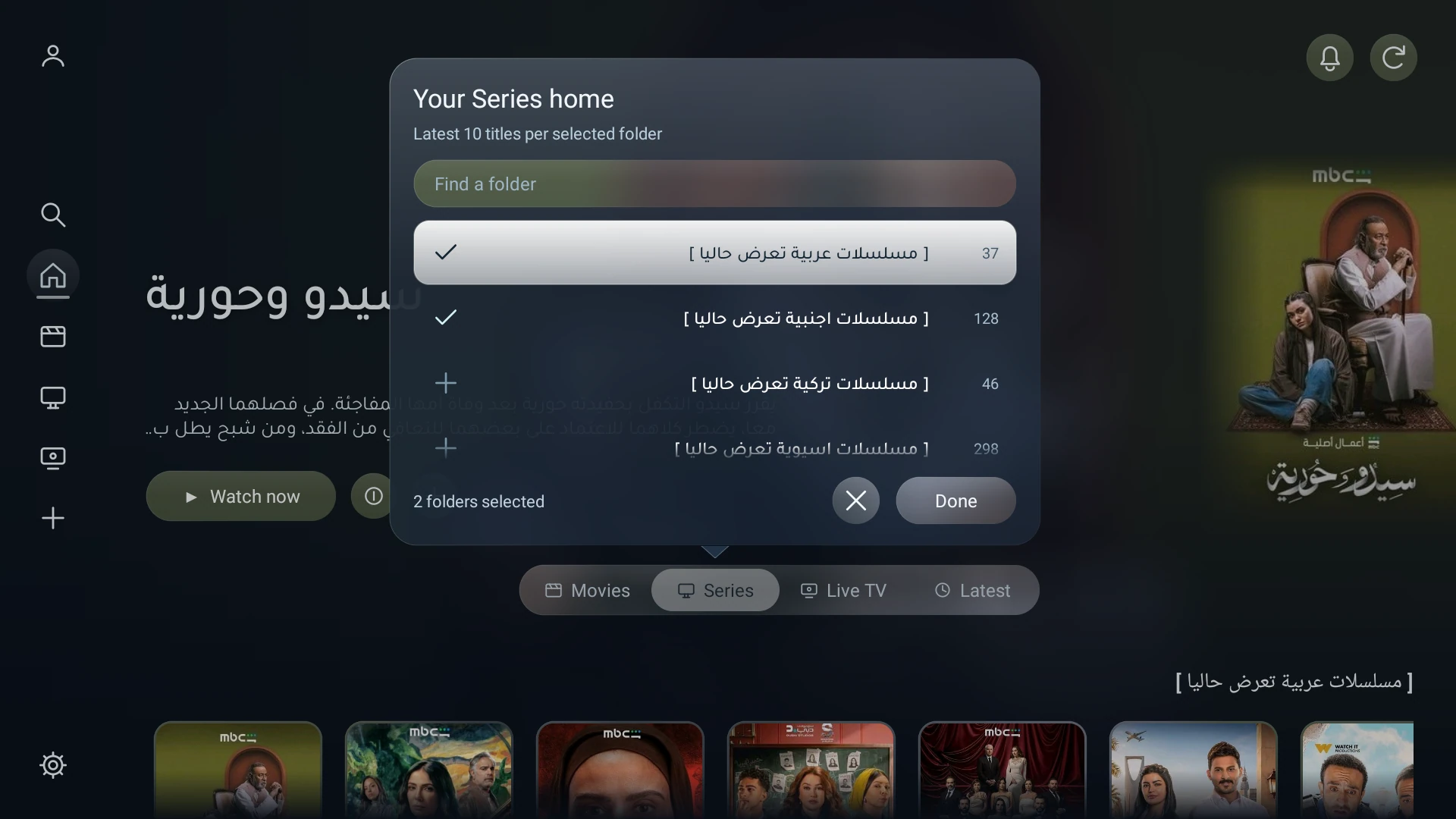
How do I choose my favorite home folders?
- On Home, highlight Movies, Series, Live TV or Latest in the horizontal menu, then hold OK.
- Select one or more folders with OK, then choose Done.
- Each selected folder gets its own row with its latest 10 items.
A short press switches category. Continue watching stays first when available.
How do I reorder folders in the side menu?
- Open Movies, Series or Live TV in the side menu and highlight a folder.
- Hold OK, then use Up or Down to move the folder.
- Press OK again to save its new position.
Press Back to cancel without saving.
How do I install Lahza IPTV on my TV?
Open the Downloader app, enter code 7411391 and install Lahza IPTV. You can also download the APK directly using the button above and transfer it to your Android TV.
Which devices and accounts does it support?
Lahza IPTV requires Android 8.0 or later and is designed for Android TV and TV boxes. Sign in with your provider’s Xtream server URL, username and password, or an Xtream account link. Content and subscriptions are not included.